Bid for Powers Fight Tips and Tricks for Better Sessions
Checklists, bidding discipline, mode selection, and habits that survive patch day.
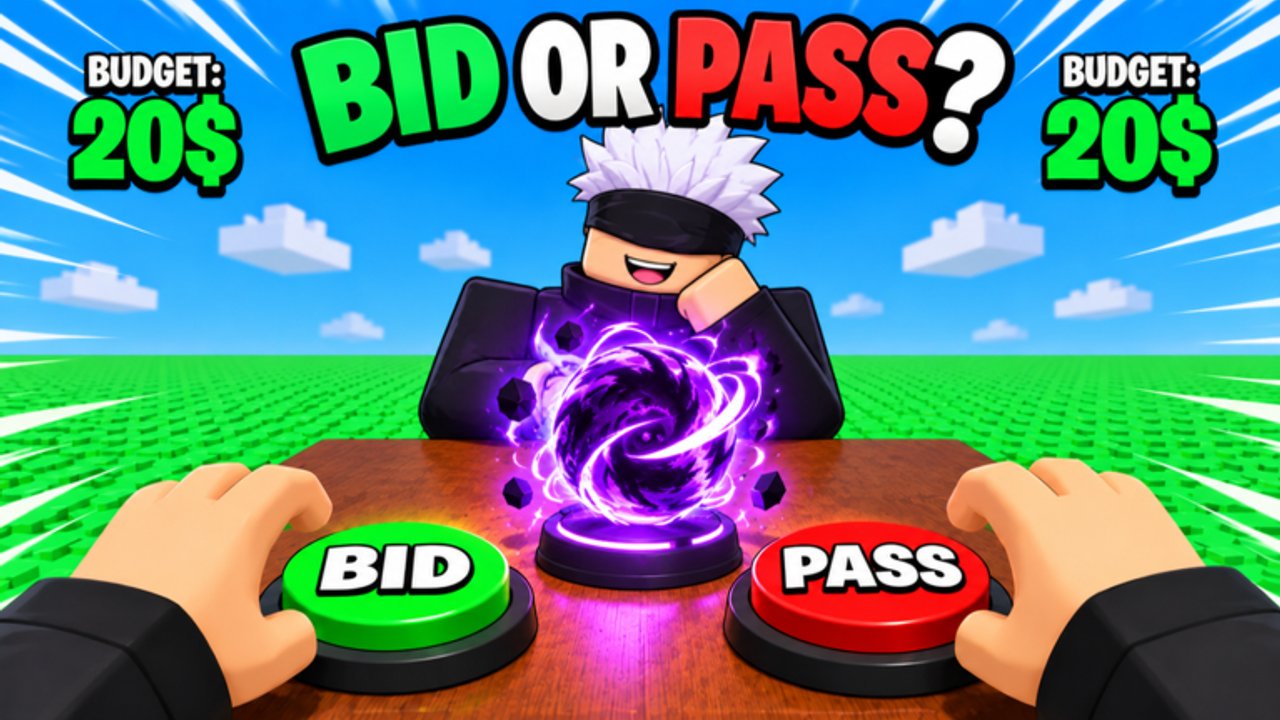
This Tips and Tricks page collects high-leverage habits for Bid for Powers Fight—the Roblox battlegrounds experience from World PIECE Studio where you bid for abilities, build a fighting style, then queue 1v1, 2v2, Party, or Free For All. Nothing here is filler trivia. Each section is a decision rule you can apply in the next session, with links into the deeper guides when you need the full walkthrough.
New to the game? Pair this page with Getting Started. Already comfortable in lobbies? Use it as a pre-queue checklist before you burn currency.
Pre-session checklist (five minutes)
Run this every time you launch, especially after a Roblox title banner change:
- Join a fresh enough server so you are not stuck on a stale feel after a live ops push.
- Claim free spins and daily rewards before you open the auction board—details on Daily Rewards.
- Glance at codes status on the Codes Hub so you do not miss a real promo on update day (still often empty—do not invent strings).
- Name your mode for the next hour so bidding has a job: duel lab, duo synergy, Party chaos, or portal FFA.
- Set two numbers: a session spending ceiling and a per-lot ceiling. Write them mentally before the first raise (How to Bid).
- Confirm controls on your device if you swapped PC ↔ mobile recently (Controls is the dedicated page).
Skipping this checklist is how players “randomly” go broke before their first clean fight.
Bidding discipline beats highlight bids
Auction pride empties banks faster than bad aim.
- Free spins first. Legal progression exists; spend it before Robux or premium dumps.
- Name the job of every raise (opener, finisher, escape, zone, sustain). If you cannot name the job, fold.
- One keystone high bid per block is usually enough. Matching every rival raise is not a strategy.
- Keep a pivot wallet. Reserve currency for the counter that appears after you fight once and learn what your kit lacks.
- Stop revenge bidding. Losing a lot and immediately overpaying on the next shiny ability is the most expensive habit in the game.
When you want the full auction framework—high vs low timing, three-wallet thinking, lobby reads—open How to Bid. When you need archetype language, open the Powers Tier List.
Mode selection: pick the classroom that matches the goal
| Tonight’s goal | Queue this |
|---|---|
| Learn a new power’s hitboxes | 1v1 |
| Practice peel and assists | 2v2 |
| Test crowd tools under pressure | Party |
| Chase armor snowballs and portal traffic | Free For All |
Do not judge a brand-new ability solely in Free For All traffic. Lab it, then portal. For portal entry, +1 armor per kill stacking, and third-party reality, use the dedicated Free For All guide. For the four-mode comparison table, keep Combat Modes bookmarked.
Rotate modes across the week. A kit that dominates polite duels can fold when armor stacks and portal third parties define the lobby.
Free spins and dailies are not optional flavor
Early-lifecycle battlegrounds titles lean on login loops. Bid for Powers Fight already ships free spins and daily rewards. Treat them as part of your warm-up, not a chore you remember after a bad auction.
Practical rules:
- Claim before bidding so your true bank is visible.
- Claim after patches—reward UIs sometimes refresh or bug-fix on the same day as a power drop.
- Do not skip three days and then complain that rivals always have fresher tools.
- When a promo code finally appears, redeem only in-game or via official instructions—never on password-phishing sites (Codes Hub).
Mobile vs PC habits
Roblox runs across devices; your habits should respect the input you actually use tonight.
PC-leaning tips:
- Prefer clear key bindings for punch, ability, and camera adjustments before ranked-feeling sets.
- Use 1v1 as a timing lab—mouse look makes small punish windows easier to study.
Mobile-leaning tips:
- Lower visual clutter when possible; Party and FFA piles punish fat-finger mis-taps.
- Favor kits with clearer confirm windows if your touch latency is inconsistent.
- Recheck on-screen button layout after updates—UI shifts break muscle memory overnight.
Shared rule: never evaluate a power as “weak” on a device you rarely play, then spend your main-device bank “fixing” it. Practice where you compete.
When to stop chasing
Streak chasing and revenge queues destroy learning rate.
Stop the current block when:
- You hit your session ceiling.
- You die twice in a row on celebration greed in Free For All after already noting the mistake.
- Lobby chat turns into harassment that will not teach you anything (Players Hub).
- You catch yourself raising without a named job “just to feel better.”
- Patch notes or a title banner just changed and you have not re-scouted the pool yet.
Walk away, claim anything still pending, and return with ceilings reset. Tomorrow’s portal session with a clear head beats tonight’s tilted overpay.
Patch-day habits (especially around live ops)
World PIECE Studio ships live ops in bursts. Around 2026-11-20 the Roblox listing still leaned on [4 NEW POWERS] branding while visits sat near the 1.6M+ range. On those days:
- Read the Updates Hub and featured notes before big spends.
- Re-test fair prices—new powers can obsolete yesterday’s autopilot pick.
- Recheck codes UI and spins claims even if the promo list was empty yesterday.
- Assume private scripts broke overnight; do not install “fixed” malware from strangers (Scripts Hub).
- Prove changes in 1v1 or 2v2 before staking a long FFA armor streak.
Honesty beats hopium: there were still no confirmed public promo codes and no verified public scripts for this exact place on major boards at the November 2026 recheck. Play the real loop.
Common mistakes checklist
- Skipping Getting Started and learning auctions plus modes in the same panicked minute.
- Ignoring Free For All rules, then calling portal deaths “RNG.”
- Blindly copying tier comments without a mode plan (Powers Tier List).
- Paying for script ads that promise auto-bid or auto-spin farms (Scripts).
- Never returning to Updates after a title rename.
- Treating tips pages as a substitute for practice—read, then queue with one measurable goal.
One-hour improvement template
- Checklist and claims (5 minutes).
- One disciplined auction block with ceilings (How to Bid).
- Three lab matches in the mode that matches tonight’s goal.
- One review note: what failed—mechanics, kit hole, or mode mismatch.
- One targeted bid or binding fix.
- Three more matches; stop on ceiling or tilt.
Return to the Guides Hub whenever you need the full map. These tips only work when you apply them under live Roblox timers—not when they sit unread in a browser tab.
Frequently Asked Questions
Quick answers for Bid for Powers Fight players.
What is the most important tip before bidding?
Claim free spins and daily rewards first, then set a session ceiling and a per-lot ceiling so pride raises cannot empty your bank.
Which mode should I use to learn a new power?
Start in 1v1 for clean feedback, use 2v2 for assists, Party for crowd tools, and only then take the kit into Free For All portal traffic.
Do mobile and PC need different habits?
Yes. Recheck bindings and UI after updates, and judge powers on the device you actually compete on—not on a rarely used layout.
When should I stop chasing fights or auctions?
Stop when you hit your spending ceiling, repeat the same greed mistake, or feel tilt raising without a named job for the ability.
What should I do on patch day?
Re-read Updates, reclaim spins, re-scout the bid pool, avoid shady script fixes, and lab changes in 1v1 or 2v2 before long FFA streaks.
Where can I read deeper Free For All advice?
Open the Free For All guide for portal entry, +1 armor per kill snowballs, bidding for FFA, and third-party etiquette.